Where it is used
Combines an information screen and peripherals on a metal kiosk or stand that users can approach.

Information kiosks provide the mechanical presentation of screens or wayfinding hardware in public spaces. User approach, hardware access and stand placement are assessed together.
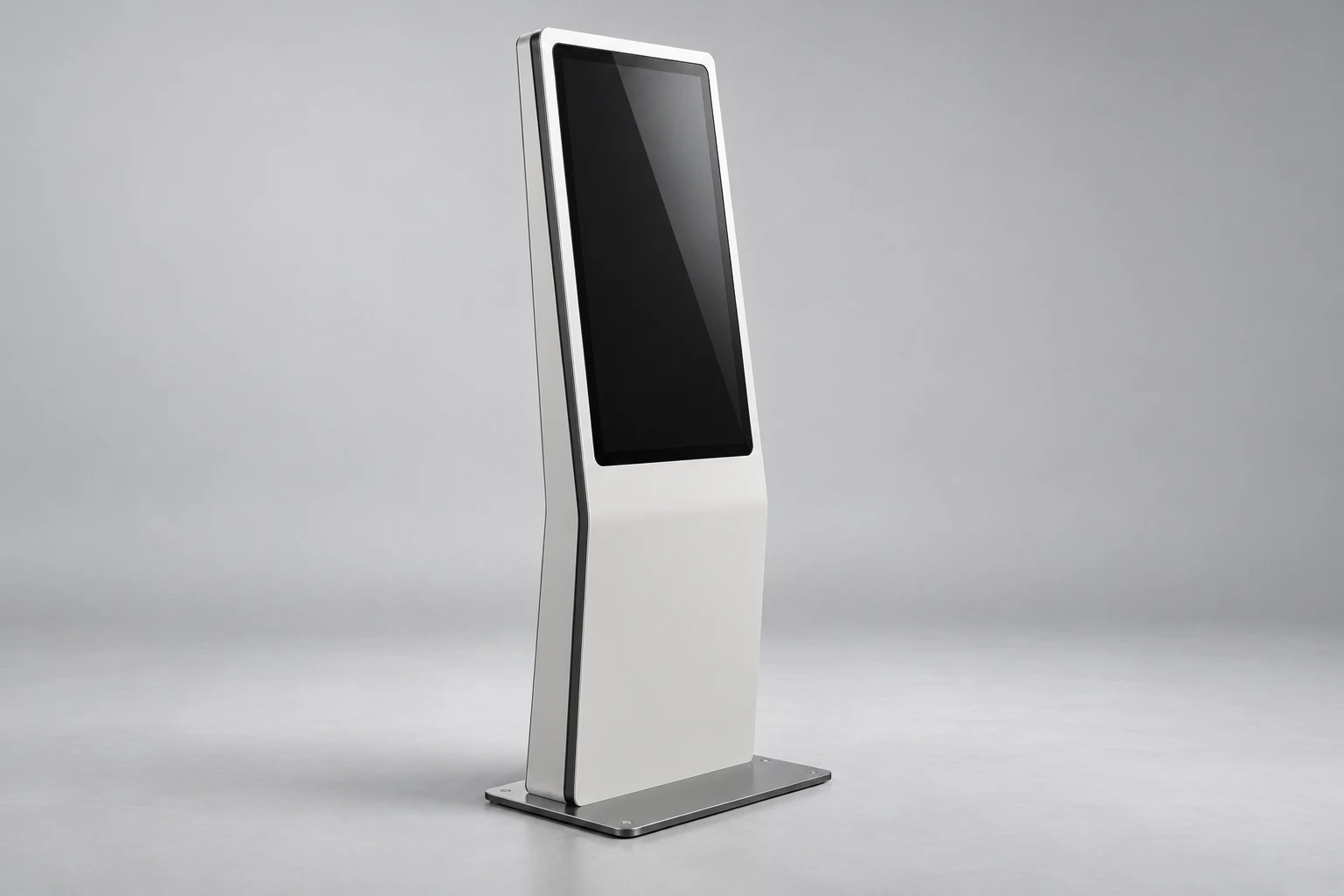
Combines an information screen and peripherals on a metal kiosk or stand that users can approach.
Compared with a totem that only carries a screen, user interaction interfaces such as readers, printers or controls come first.
How the product is built and its project-based options. Exact dimensions and materials are defined in the technical review.
| Product / application type | Information kiosks and stands |
|---|---|
| Body and main components | Screen frame, metal body on legs, service cover |
| Material and finish options | Steel / stainless sheet and section options; material grade and thickness are set by the project requirements. |
| Connections and use | Floor fixing; screen and peripheral connections |
| Dimensions and configuration | Made to measure; width, length, height, sections and quantity are confirmed in the technical review. |
The image is a representative concept. Dimensions, materials and delivery scope are defined per project.
The key choices when adapting the product to your application.
Screen tilt and interface position are set from information on the target users and the area of use.
Openings for printers, readers or other devices are defined from the hardware list.
Fixing to the floor or another surface is handled together with the maintenance space and cable route.
Not every detail needs to be ready at the start. Along with existing drawings and dimensions, you can also note the points that are still open.
Project preparation guide →The drawing revision, target quantity and planned timing help assess the scope. You do not need to upload confidential files.
Accessibility and user safety requirements are reviewed per project; electronic function and software are a separate scope.
Material, finish and assembly decisions are clarified from the drawings and conditions of use. The choice of operations and the form of delivery are written into the quotation.
Material and finish decisions →Image & specifications ↗Digital totem housings define the visibility of the screen and the metal form around it together.
Product image and specifications →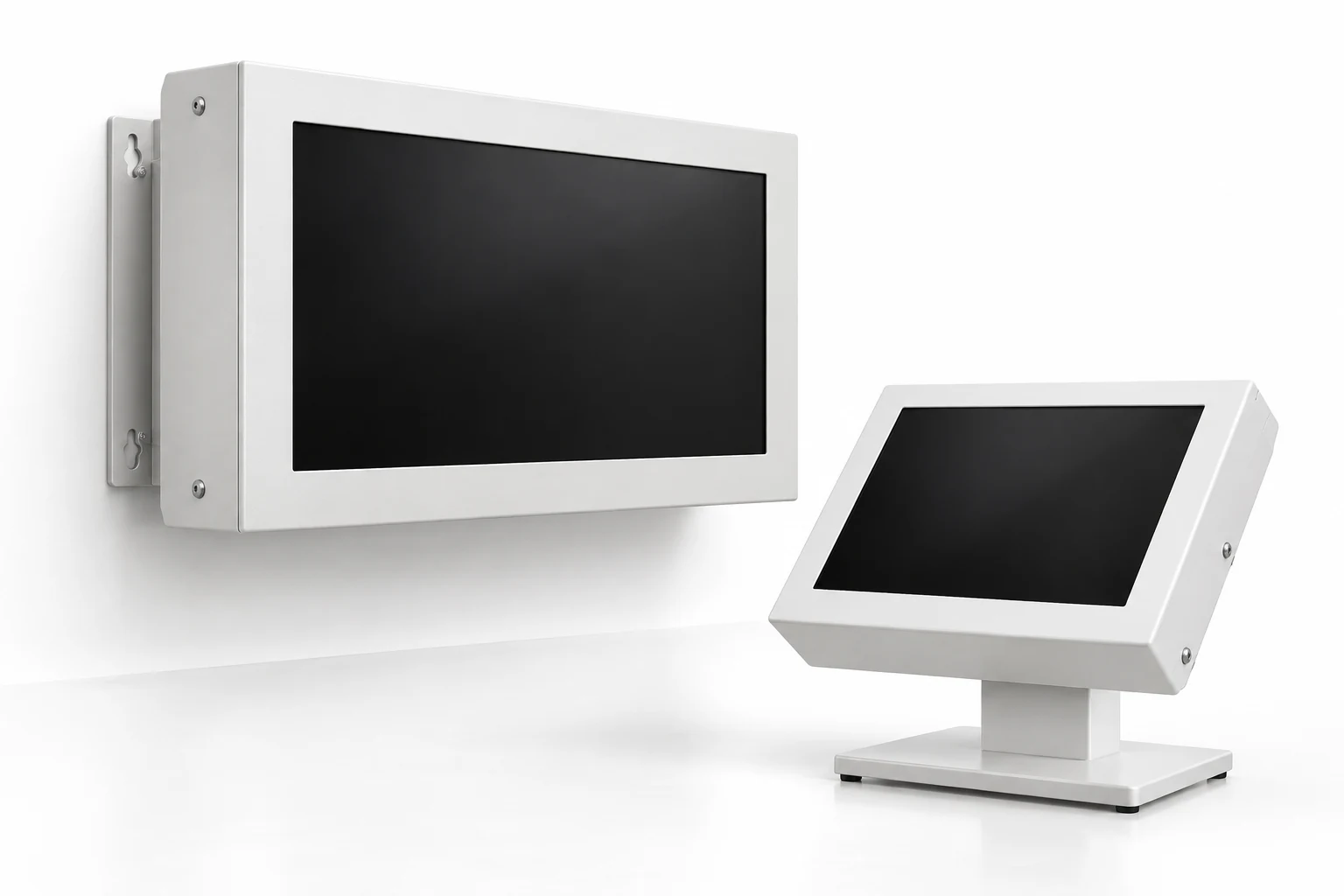 Image & specifications ↗
A metal body solution that relates a screen or interactive hardware to a shelf or counter layout.
Product image and specifications →Image & specifications ↗An application that brings a screen and peripherals together in a wall-mounted metal body.
Product image and specifications →